Getting start
GETTING START
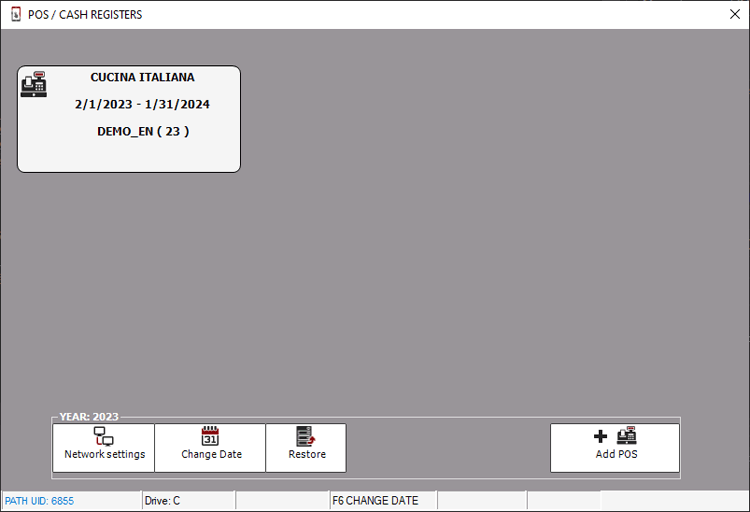
When starting the program, you are asked to select/confirm the access date.
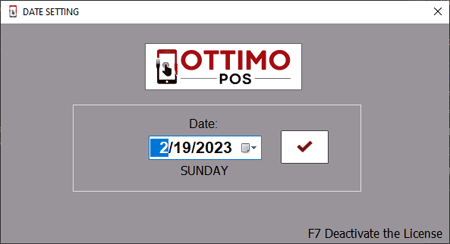
The archives are divided into accounting years which coincide with the calendar year, therefore entering the access date ex. 09/01/2023 the 2023 archives will be accessed.
To access the archives of previous years e.g. 2022 it is necessary to change the date and insert e.g. 12/31/2022.
For the creation of the next accounting year e.g. 2024 consult the appropriate manual.